
Course Information
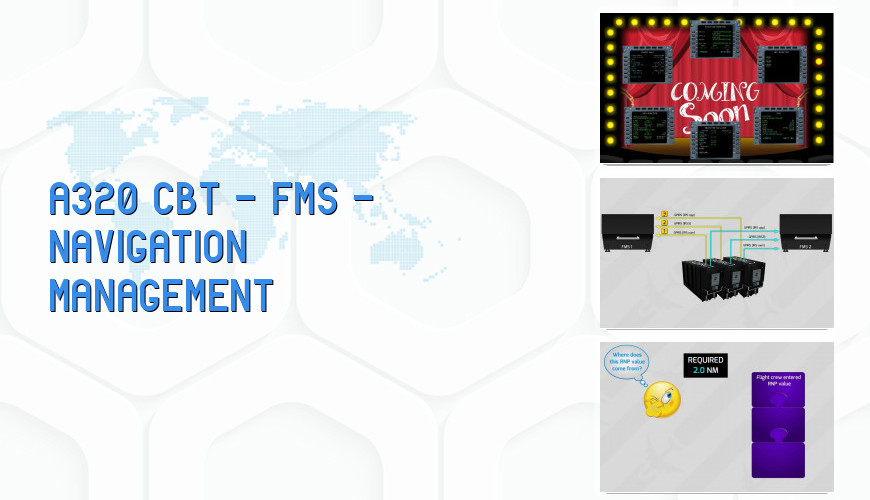
This course describes the displays and required FMCG inputs to perform the following items: entering and creating waypoints, route page inputs, GPS/IRS/Navaid navigation and accuracy, Pilots’ waypoints, conditional waypoints and the arrival page discussions.Courses are constantly monitored and updated when major changes in authority documentation is released.
Content of the Course
| Slide | 213 | Duration | 00:40:16 | Exam | Yes |
|---|
- COURSE START
- AUTO FLIGHT – FLIGHT MANAGEMENT SYSTEM NAVIGATION MANAGEMENT AND MONITORING
- INTRODUCTION
- NAVIGATION DATA
- WAYPOINTS
- Geographically fixed waypoints
- NAVIGATION DATA PAGES
- Waypoints
- Navaids
- Runways
- Routes
- PILOT STORED DATA
- Pilots waypoints
- Pilot s navaids, runways and routes
- CREATING PILOT-DEFINED NAVIGATION DATA – CREATING A NEW WAYPOINT
- Defining waypoints by latitude and longitude
- Defining waypoints by place/bearing/distance
- Defining place-bearing/place-bearing waypoints
- Creating a new navaid
- Creating a new runway
- Creating a new route
- NAVIGATION POSITION
- Mixirs position
- GPS position
- Radio position
- FM position
- EVALUATION OF POSITION ACCURACY
- Navigation accuracy check
- POSITION MONITOR PAGE
- SELECTED NAVAIDS PAGE
- Navaid deselection
- GPS deselection
- IRS MONITOR PAGE
- IRS pages
- GPS MONITOR PAGE
- Predictive gps page
- RADIO NAV PAGE
- Manual tuning of navaids
- Manual tuning of a vor
- Manual tuning of an ils by identifier
- Manual tuning of an ils by frequency
- COURSE END